 GameWave
GameWave
GameWave
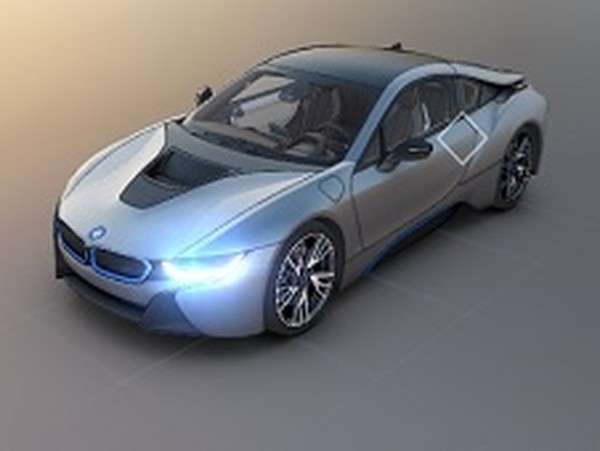
Sports Car Design Studio offers a simple yet satisfying way to personalize a sports car. The color selection is straightforward, and the automatic driving simulation lets you appreciate your work from all angles. It is a pressure-free experience perfect for unwinding. The lack of complex controls makes it accessible for all ages, while the realistic 3D environment adds a nice touch of immersion.
Sports Car Design Studio is an interactive tool that lets you personalize a high-end sports car to match your style. The core objective is to experiment with a variety of exterior body colors and interior trim shades. Once you finalize your choices, the car drives itself in a realistic simulated environment, allowing you to view your creation from multiple angles. This experience is designed to be relaxing and creative, suitable for players who enjoy visual design without pressure or time limits. The game offers a straightforward way to change both the outside and inside appearance of the vehicle, making it accessible for all ages.
Players typically begin by selecting the exterior color using simple on-screen controls. After choosing an exterior shade, you can switch the view to the car's interior to customize the color scheme there. The interface is designed for quick and easy changes, allowing you to cycle through available options. Once you are satisfied with both the exterior and interior, the car automatically drives in a realistic simulation. You can watch your design from both inside and outside perspectives. The process is intuitive, with no complex menus or instructions needed.
Creative car customization with easy color controls. Simple button interface for quick changes. Realistic simulated driving environment. Multiple exterior and interior color options. Relaxing gameplay with no time limits or scores. The game may include a variety of color shades to choose from, allowing for many unique combinations.
Experiment with different color combinations to find your personal style. Try contrasting interior and exterior colors for a bold look, or match them for a sleek appearance. Use the automatic driving view to see your design from all angles, which can help you decide if a color works well in different lighting. Take your time—there are no scores or time limits, so you can enjoy the process without pressure.










Player Comments
Sign in to comment
You must be logged in before posting a review or rating.
No account? Create one
No comments yet. Be the first to comment!