 GameWave
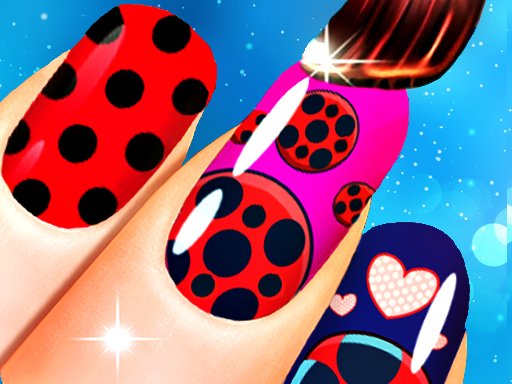
Creative Nail Design Studio offers a focused creative outlet for children and teens. The core loop—choosing a nail shape, painting, and decorating—is simple to grasp, and undo/redo plus auto-save reduce frustration. The lack of downloads makes it accessible. Its main limitation is narrow scope: it is a single-activity simulation, not a broader game. Best for kids who enjoy art and design.
In Creative Nail Design Studio, the player's main job is to decorate nails. Start by choosing a hand and selecting a nail shape from the available options. Then use simple on-screen controls to paint each nail with colors from a bright palette. After the base color is applied, add decorative items like flowers, hearts, sparkles, gems, or stickers. The process is open-ended: you can change colors, swap decorations, or start over until the design looks right.
The interface includes undo and redo buttons, so a design can be adjusted without beginning from scratch. Progress saves automatically, meaning a player can close the browser and return later to the same creation. Because the game runs directly in a web browser and requires no download, it works on different devices without installation. These features keep the focus on trying ideas rather than managing files or settings.
Combining contrasting colors makes decorations stand out more clearly. Layering items—such as placing a gem over a sticker—can create more complex looks. The undo option supports quick refinement, and saving favorite designs allows players to revisit or share them for inspiration. Regular practice helps develop a personal style and improves design decisions over time.
Sign in to comment
You must be logged in before posting a review or rating.
No comments yet. Be the first to comment!












Editorial Notes