 GameWave
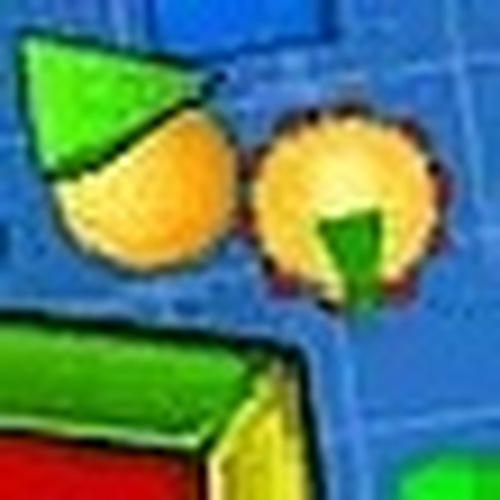
Geometric Pairing Reflex Game stands out for its simple yet engaging premise. Each shape type responds differently, forcing players to think before clicking. The lack of timers reduces anxiety, making it ideal for casual sessions. Controls are intuitive, with both mouse and keyboard options. The gradual difficulty curve ensures newcomers aren't overwhelmed while still offering challenge for experienced players. A solid choice for family game time.
Each geometric form in this game reacts uniquely when selected. Circles may roll away, squares might require a double click, and triangles could shift position. This variety keeps each round fresh and demands that players adapt their strategy on the fly. Understanding these patterns is key to progressing smoothly through the levels.
Players can use either a mouse or keyboard to interact with shapes. Mouse users simply click on the desired form, while keyboard shortcuts offer faster selection: the A key for circles, S for squares, and D for triangles. This dual-input design accommodates different play styles, whether you prefer precision clicking or rapid key presses.
The game gradually increases complexity by introducing more shapes per screen and mixing their behaviors. Early levels serve as a tutorial, allowing players to learn each shape's quirks without pressure. Later stages require faster recognition and more precise timing, but there are no countdown timers, so you can take the time needed to plan each move.
The interface uses bright, contrasting colors to make shapes easy to distinguish. Large buttons and clear on-screen prompts ensure that players of all ages and experience levels can jump in without confusion. The simple visual style keeps the focus on the gameplay, reducing distractions and eye strain during longer sessions.
Regular play can improve hand-eye coordination and reaction time. Because the game encourages careful observation before acting, it also promotes patience and strategic thinking. Parents often appreciate that this title offers a constructive way for children to develop cognitive skills while having fun.








Player Comments
Sign in to comment
You must be logged in before posting a review or rating.
No account? Create one
No comments yet. Be the first to comment!